

About
Your photos, safe on a drive you own. No cloud, no subscription.
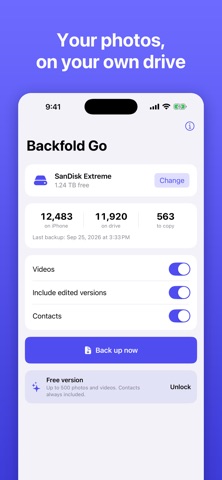
Connect an external drive, SSD, USB‑C stick or SD card to your iPhone or iPad, tap "Back up now" and Backfold Go copies your original photos and videos and your contacts. Everything goes into plain folders sorted by year and month that open on any computer.
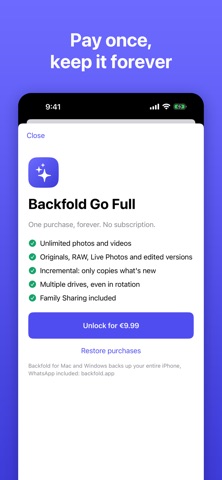
COPIES ONLY WHAT'S NEW Backfold Go remembers what's already on the drive, so after the first backup it copies only new photos and videos. You can rotate between several drives too.
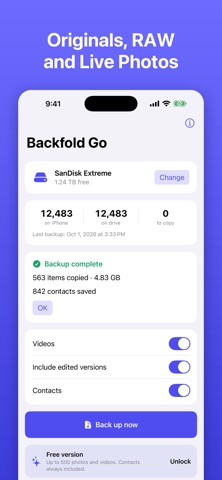
ORIGINALS, NOT REDUCED COPIES - Photos and videos at original quality (HEIC, JPEG, ProRAW, RAW, HEVC, ProRes) - Live Photos with their video - Optionally, edited versions next to the original - Contacts as vCard, ready to import again
SIMPLE AND PRIVATE - No account, no servers: your data only goes to the drive you choose - Works with network drives and folders in the Files app too - Shows free space, what's left to copy and when you last backed up
FREE TO START The free version copies up to 500 photos and videos, contacts always included. A single purchase (no subscription) unlocks unlimited photos and videos, for the whole family with Family Sharing.
Want WhatsApp, Messages and a full iPhone backup too? Get Backfold for Mac and Windows: backfold.app
People rate it
Sign in to rate this app. Honest is what counts.
No ratings yet. Tried it? Be the first to rate it.