
BeamTo: Send Links to TV & PC
Not claimedSend a link from your iPhone to the screen in front of you in about two seconds
By Mohammad Haweeleh · UtilitiesWhy we expect it: Clear value, careful privacy design, and a simple scan-to-open flow make this a strong debut.


About
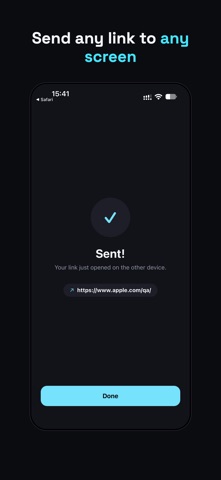
Send a link from your iPhone to the screen in front of you in about two seconds. Nothing to install on the other screen.
BeamTo sends a link from your phone to any device with a web browser: a smart TV, a desktop computer, a PC or Mac, a meeting-room display, a classroom projector, a library computer, or a kiosk. No account. No pairing. No app on the other end.
HOW IT WORKS 1. On the other device, open beamto.xyz. A QR code appears. 2. On your iPhone, tap Share on any link and choose BeamTo. 3. Scan the code. The link opens right there, in the same tab, with no extra taps.
scan. beam. done.
WHY BEAMTO • Straight from the share sheet: works from Safari and any app with a Share button. • Nothing to install on the other screen. If it has a web browser, it works. • Instant: the other screen jumps straight to your link. • No account, no sign-in, no setup. • Pay once. No subscription, no in-app purchases, no ads.
PRIVATE BY DESIGN • BeamTo never reads your clipboard. A link only gets in when you share it. • Each QR code sends exactly one link, then it's used up. • Codes expire after 2 minutes. • No analytics, no tracking, no advertising SDKs. • The camera is only used to scan the code. Nothing is recorded or saved.
GREAT FOR • Putting a video, recipe, or article up on the living-room TV • Opening a doc or slide deck on a meeting-room screen • Teachers and presenters pulling up a page on the classroom projector • Getting a URL onto a shared or public computer without logging in to your email • Moving what you were reading on your phone to your desktop monitor
GOOD TO KNOW • Links open in the other device's web browser, not inside other TV apps. • The other device needs a modern web browser and an internet connection. Most smart TVs, game consoles, and computers with a current browser work. • Your iPhone needs a camera and an internet connection.
Questions or feedback? support@beamto.xyz Privacy policy: beamto.xyz/privacy
People rate it
Sign in to rate this app. Honest is what counts.
No ratings yet. Tried it? Be the first to rate it.