
Downmith
Not claimedDownsmith is a quick, native Markdown editor and viewer for your Mac
By Alexander Eichelbaum · Productivity


About
Downsmith is a quick, native Markdown editor and viewer for your Mac. Write on the left, see the finished page on the right.
LIVE PREVIEW The preview updates as you type. Headings, lists, tables, task lists, block quotes and links look just like they will on the web.
TABS Open several files at once, each in its own tab with its own undo history. Downsmith brings your open tabs back at the next start and asks before any unsaved change is lost.
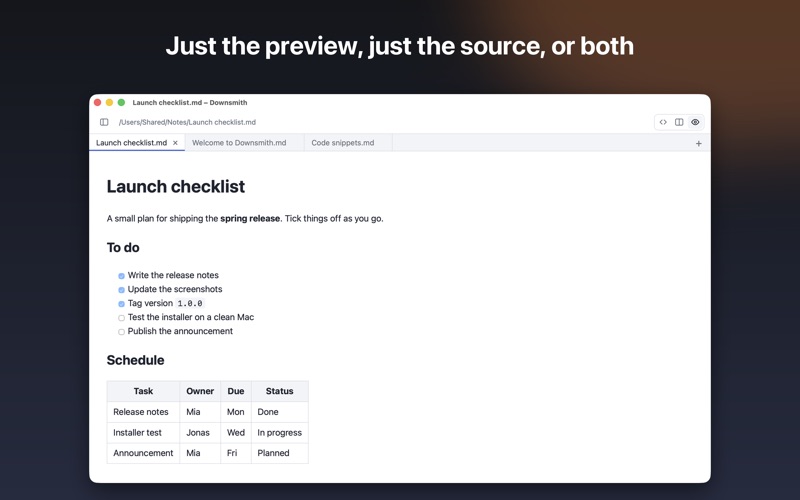
YOUR VIEW Show only the source, only the preview or both side by side. Hide the sidebar and drag the dividers to resize the columns. Downsmith remembers your layout.
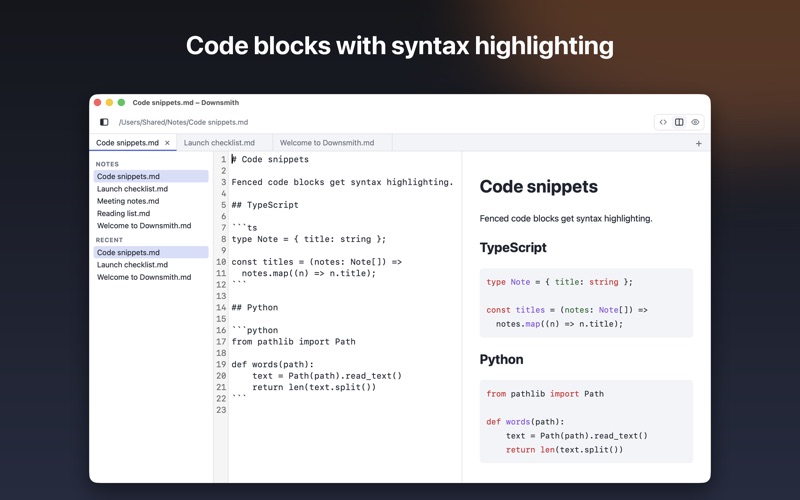
SYNTAX HIGHLIGHTING Fenced code blocks are highlighted in dozens of languages, so snippets stay easy to read.
FOLDERS AND RECENT FILES Open a whole folder, browse its Markdown files in the sidebar and jump back to what you edited last. Downsmith remembers your last folder.
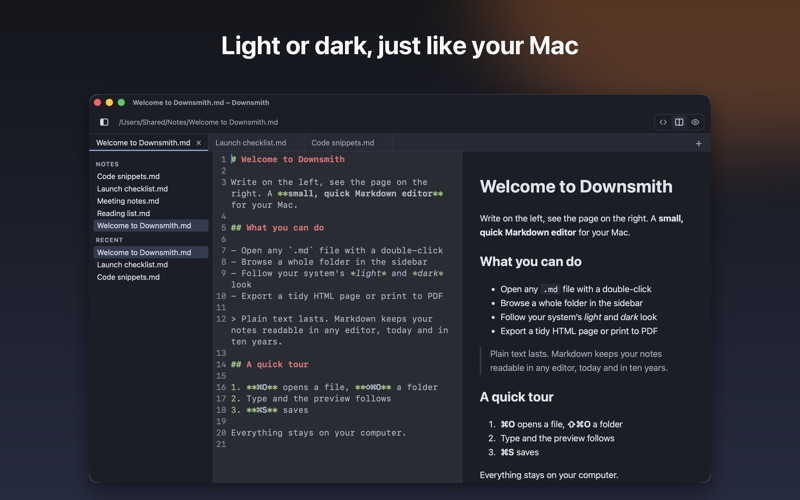
LIGHT AND DARK Editor and preview follow your Mac's appearance.
EXPORT Save a self-contained HTML page or print to PDF with the standard macOS dialog.
NATIVE A real macOS menu bar and the shortcuts you know: new tab, open, open folder, save, larger and smaller text. The interface is in English or German, following your Mac. Double-click any .md file to open it in Downsmith.
PRIVATE No account, no ads, no tracking, no analytics. Downsmith works fully offline and your documents never leave your Mac.
SMALL Built on the system web view, so the app stays light and starts fast.
Downsmith is free.
People rate it
Sign in to rate this app. Honest is what counts.
No ratings yet. Tried it? Be the first to rate it.