
KeepCut
Not claimedKeepCut is a fast, private video editor for the clips you actually post
By NAVEED SHERIFF · Photo and video


About
KeepCut is a fast, private video editor for the clips you actually post. Trim, cut the dead air, reframe for vertical video, add titles and captions, and export for wherever the video is going, all on your Mac. There is no account and nothing is uploaded: your footage never leaves your computer.
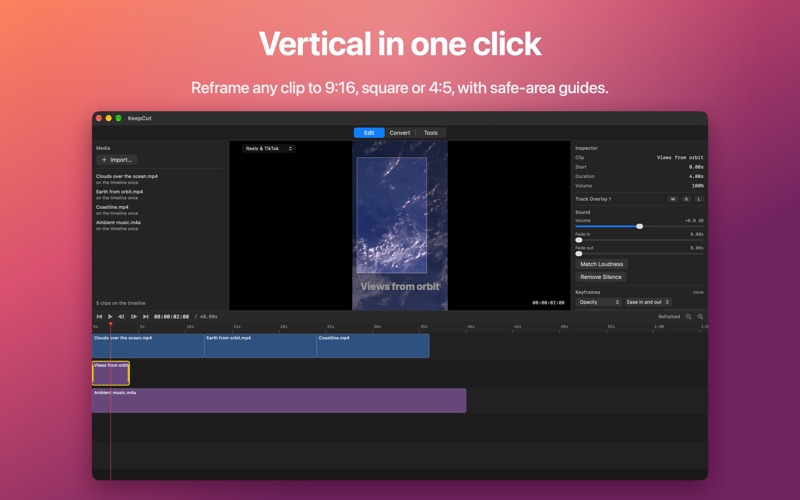
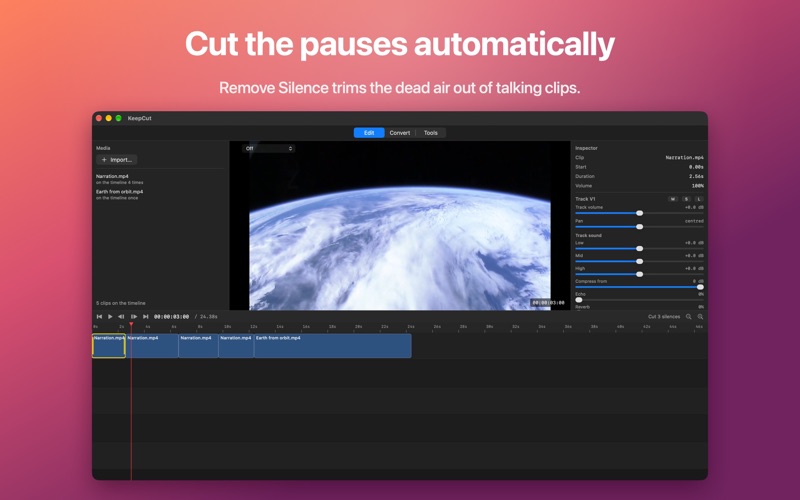
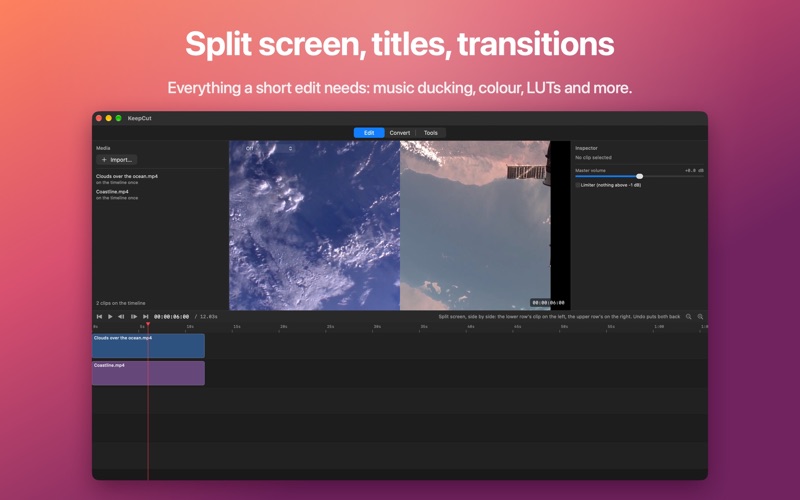
MADE FOR SHORT CLIPS • Trim and split on a simple timeline, and take out silent stretches with Remove Silence • Reframe to vertical 9:16, one clip or every clip at once • Titles that animate in and out, with styles you can save and reuse • Image overlays and split screen • Music that ducks under speech and fits the length of your edit • Captions made on your Mac by on-device speech recognition; import and export caption files too • Export settings named for where the video is going
WHEN AN EDIT NEEDS MORE • Nine kinds of transition • Colour grading, LUTs and chroma key • Background removal for any shot, using the Mac's own Vision framework • Keyframes with easing for opacity, size, position and exposure • Speed changes, reverse, freeze frames, stabilisation, and splitting at every change of shot • Per-track EQ, compressor and volume, and a master level • Record a voiceover, your screen or your camera straight onto the timeline • Save looks and export settings as templates
TOOLS • Convert many files at once • Join clips into one video • Extract frames as pictures
OPENS WHAT YOU SHOOT H.264, HEVC (including iPhone HDR video), ProRes, VP9, AV1, MPEG-4 and more, with AAC, MP3, WAV, FLAC, ALAC and Opus sound, in MP4, MOV, MKV, WebM and other containers.
PRIVATE BY DESIGN KeepCut works offline. It has no account, no analytics and no ads, and it never uploads your media.
People rate it
Sign in to rate this app. Honest is what counts.
No ratings yet. Tried it? Be the first to rate it.