
LayerDraft
Not claimedDraw the shapes here
By Henrique Pereira · Photo and videoWhy we expect it: A clear, focused utility that fills a real gap for Icon Composer users, with a well-explained layer output.


About
Draw the shapes here. Icon Composer gets the layers.
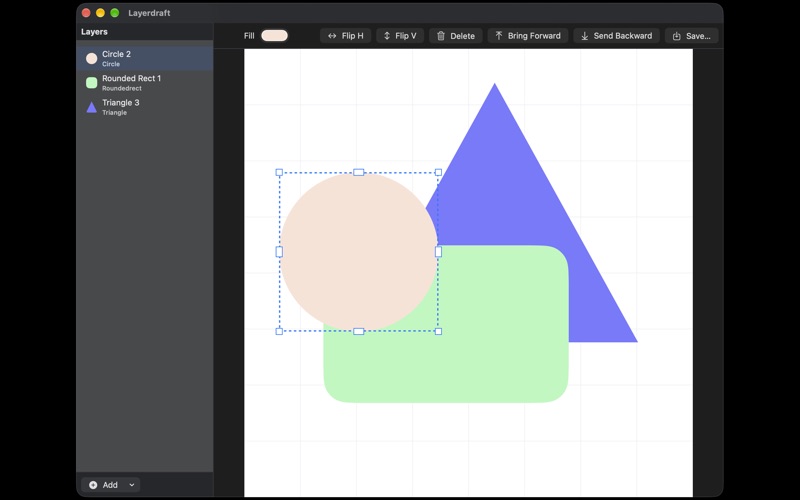
Layerdraft is a small Mac app for the part of icon work that usually means opening another design tool. You place circles, rounded rectangles, and polygons on a 1024 canvas, set a solid color, and save a real Icon Composer file. Each shape becomes its own layer, as a full-canvas SVG inside a .icon package.
Open that file in Icon Composer and the stack is already there. Glass, shadows, and dark mode stay in Icon Composer, where they belong. Layerdraft does not bake those effects in.
What you can do:
- Add a circle, a rounded rectangle, or a polygon - Pick a solid fill, and set corner radius or the number of sides - Drag shapes around a 1024 by 1024 canvas - Save a .icon package Icon Composer can open, with one layer per shape
Layerdraft is for designers and developers who already use Icon Composer and are tired of building a simple figure somewhere else first.
People rate it
Sign in to rate this app. Honest is what counts.
No ratings yet. Tried it? Be the first to rate it.