
Markdown Planner | Ledge
Not claimedLedge is a calm, private companion for the notes you keep in plain Markdown
By Seth Wood · ProductivityWhy we expect it: A thoughtfully written listing with clear privacy promises and a useful free tier for Markdown note lovers.

About
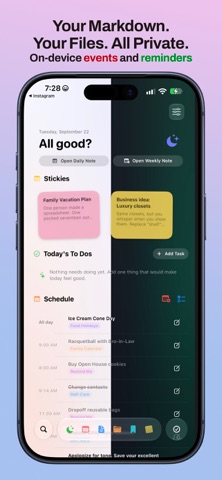
Ledge is a calm, private companion for the notes you keep in plain Markdown. And, everything is done on device. Your files stay yours.
And Ledge connects them all together.
Want to auto add Read-it-Later articles to your daily note? Want to ensure your Apple Reminders are tracked or even sync with your markdown files? Want to automatically link your Daily Notes with your Weekly Notes? Want to Pin, Favorite, and Sticky your notes and find them fast?
Ledge does all of this. On device.
Choose the vault folder you already use, or start with a fresh place for your notes. Ledge reads and writes the same files on your device, so your work remains easy to open, move, back up, and use alongside the tools you already love.
No account. No login. No server.
Thorne never uploads your vault. There are no analytics to follow your writing and no cloud profile to maintain. Your notes stay in the folder you choose — whether that is a local folder or one you already keep in iCloud Drive.
Free includes the essential vault experience:
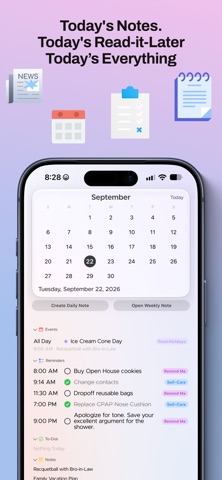
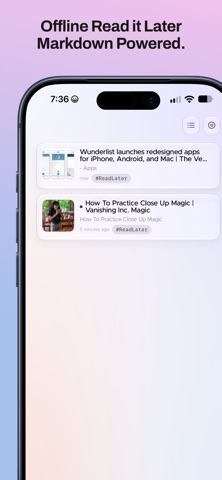
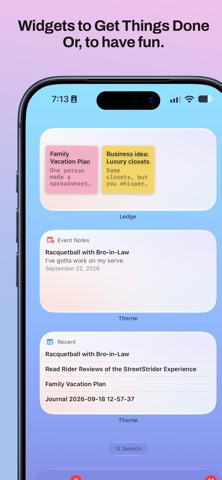
• Create, edit, search, and organize plain Markdown notes • Work with tasks, events, folders, tags, attachments, journal entries, and read-it-later notes • Customizable colored tags to quickly organize your notes • Capture a quick note, photo, scan, or audio note • See recent notes, favorites, navigation, search, quotes, and quick capture with core Home Screen widgets • Keep a simple Today view for the notes, events, and tasks in front of you • Read-it-Later with on-device article clipping and conversion to markdown. All saved to your vault.
When your vault becomes your day, add Everything.
Everything is one simple, one-time purchase. It unlocks the connected surfaces around your notes: • On-device Structured Notes from audio recordings • Sync Apple Reminders with your Markdown Todos....and back! • Create event notes straight from the Today view • Automatic links between meeting notes, Daily Notes, and Weekly Notes • Add additional folders and vaults • On-device AI summaries of both your notes and Read it Later articles!
Everything stays true to the promise: the vault (or vaults) remains yours, and the work happens on your device.
People rate it
Sign in to rate this app. Honest is what counts.
No ratings yet. Tried it? Be the first to rate it.