
Overwing Pro
Not claimedTRACK AIRCRAFT IN REAL TIME FROM YOUR MENU BAR Ever look up and wonder what plane is…
By Jose Cotes · UtilitiesWhy we expect it: A clear niche, well-written features, and a privacy-first design make this a strong debut for plane spotters.


About
TRACK AIRCRAFT IN REAL TIME FROM YOUR MENU BAR
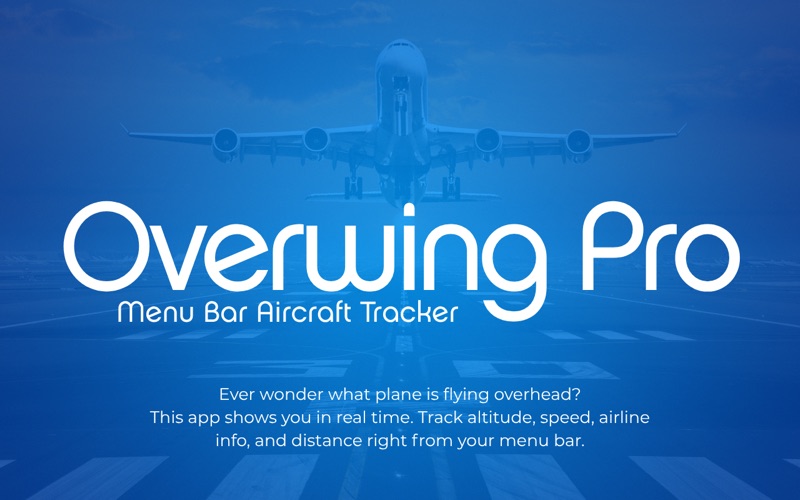
Ever look up and wonder what plane is flying overhead? Overwing Pro answers that question instantly. Using live ADS-B data, this macOS menu bar app shows you detailed information about every aircraft within 10 miles - altitude, speed, airline, distance, and direction.
Perfect for aviation enthusiasts, plane spotters, and the perpetually curious.
FEATURES
* Real-Time ADS-B Tracking Monitor live aircraft positions using data from global ADS-B networks. Updates every 10 seconds with fresh telemetry.
* Dynamic Menu Bar Icon Your menu bar icon changes based on proximity: subtle when aircraft are distant, prominent when they're close, and animated when one is directly overhead.
* Detailed Aircraft Information - Airline name and callsign - Aircraft type and registration - Altitude and speed - Vertical rate (climbing or descending) - Precise distance and compass direction - Real-time heading indicator
* Beautiful Aviation Dashboard Clean, professional interface designed for quick scanning. The closest aircraft is always featured prominently, with other nearby flights listed below.
* Smart Location Management Set your home location once (manually or automatically) and Overwing Pro handles the rest. Your location is only accessed when you explicitly request it - never tracked in the background.
* Intelligent Monitoring - Automatic pause when your Mac sleeps or loses network - Resumes tracking when you're back online - Stale data detection (alerts when data is older than 60 seconds) - Exponential backoff on API errors to respect rate limits
* Launch at Login Enable the built-in toggle to start tracking automatically when you log in.
* Privacy First Your location is stored locally on your Mac. No tracking, no accounts, no cloud sync. The app only accesses your location when you click "Use Current Location" during setup.
People rate it
Sign in to rate this app. Honest is what counts.
No ratings yet. Tried it? Be the first to rate it.