
SSH Console: Server Ops
Not claimedConnect to your servers in a native workspace for Mac, iPhone, and iPad
By 田铭 许 · UtilitiesWhy we expect it: Clear one-time pricing, honest feature details, and privacy-minded design make this a practical SSH workspace for Apple devices.



About
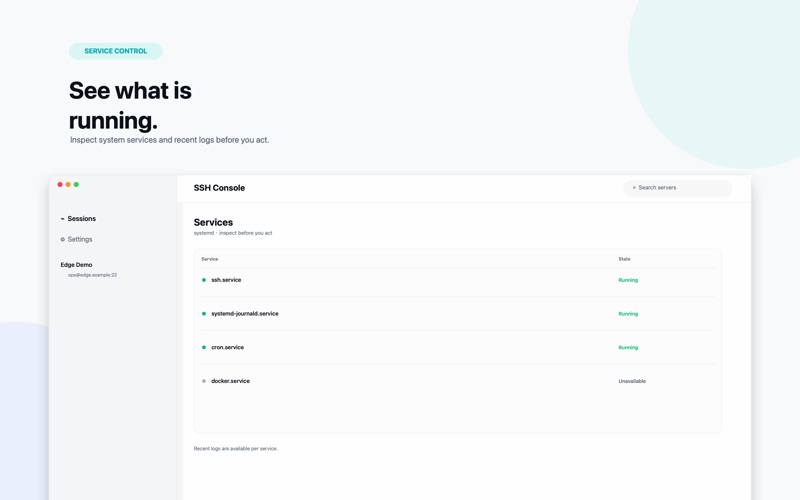
Connect to your servers in a native workspace for Mac, iPhone, and iPad. SSH Console: Server Ops brings encrypted terminals, server observations, and user-initiated administration together in an interface designed for Apple devices.
• Open an SSH terminal with password, SSH key, or interactive authentication. • Store reusable keys in this device's Keychain and verify server identities before connecting. • Observe Linux CPU, memory, disk, and network information while your server workspace is visible. • Use SFTP, multiple terminal sessions, a jump server, and supported server-management tools, all included with the paid download. • Use your server's existing tmux installation for persistent remote terminal work.
The US App Store price is US$0.99 as a one-time purchase. All listed features are included with the download; there are no subscriptions or in-app purchases. Server tools depend on your server's installed software and permissions. iOS observations pause in the background. No account or developer-operated SSH relay is required.
People rate it
Sign in to rate this app. Honest is what counts.
No ratings yet. Tried it? Be the first to rate it.