
TunnelBar Connect
Not claimedBring your SSH connection to the menu bar
By Gonzalo Piano · Utilities


About
Bring your SSH connection to the menu bar.
TunnelBar Connect lets you send web traffic from compatible apps, such as Safari, through your own SSH server. Set up your connection once, then connect or disconnect with a click in your Mac's menu bar.
Use your own server Connect to an SSH server you manage or have permission to use. TunnelBar Connect creates a local SOCKS5 proxy and configures automatic proxy settings for HTTP and HTTPS traffic in compatible apps. Access to an SSH server with TCP forwarding enabled is required; server hosting is not included.
Choose how you sign in Use a username and password, a private key file, or an SSH agent. Passwords are stored in the macOS Keychain. Verify the server's fingerprint before trusting it, and test your SSH connection from Settings.
Make it part of your routine Choose whether to open the app at login, connect when the app opens, and reconnect automatically after interruptions. Adjust what happens when your Mac wakes or changes networks. The option to disconnect when macOS detects another active VPN is enabled by default.
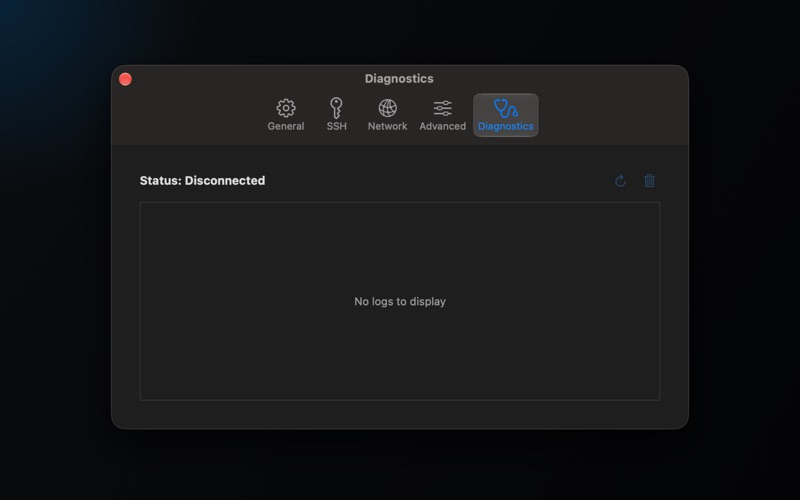
Stay in control Check connection status from the menu bar and view local diagnostic events in Settings. Adjust connection timeouts, keepalive settings, and reconnection attempts to suit your server and network.
Built for macOS Native settings, light and dark appearance, keyboard shortcuts, and VoiceOver support. Switch between English, Spanish, German, French, Portuguese, Japanese, Korean, Simplified Chinese, and Traditional Chinese without restarting the app.
Connection scope SSH encrypts traffic between your Mac and your SSH server. Automatic proxying covers HTTP and HTTPS in apps that support the system proxy settings; other traffic keeps its existing route. Existing browser connections may require a new browser session to use the tunnel.
People rate it
Sign in to rate this app. Honest is what counts.
No ratings yet. Tried it? Be the first to rate it.