
MarkSide – Markdown Editor
Not claimedMarkSide shows your Markdown source and the formatted text side by side, and you can…
By Mariusz Trynka · ProductivityWhy we expect it: The detailed description clearly explains a useful split-view Markdown editor that protects your file's exact formatting.




About
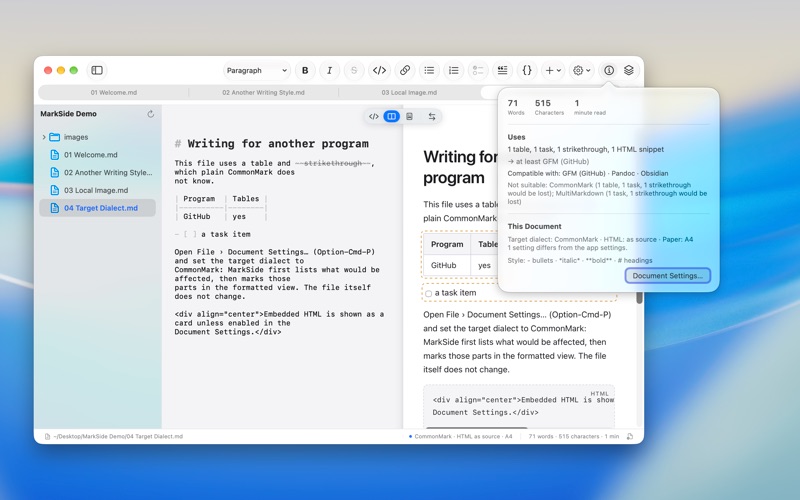
MarkSide shows your Markdown source and the formatted text side by side, and you can write in both. Type where it feels natural: in the source when you want control, in the formatted view when you just want to write.
YOUR FILE STAYS YOURS MarkSide changes only the spot you edit. Everything else stays character for character as it was: line endings, encoding, indentation and your writing style. If a file uses _underscores_ for italics, MarkSide does too. Files you share with others or keep in Git show no accidental changes.
WRITE THE WAY YOU LIKE • Both views editable, with a caret marker showing where you are in the other view • Source only, split view or formatted only; swap sides with one click • Toolbar and menus for headings, bold, italic, links, lists, task lists, quotes, code blocks and tables • Markdown shortcuts while typing: "# " becomes a heading, "- " a list • Paste from Word, a browser or an AI chat and get clean Markdown, with a clear note if something cannot be kept • Pictures from the clipboard or dragged in are saved next to your document • Front matter, footnotes and comments appear as editable cards • GitHub-style notes, syntax coloring in code blocks • Tabs, a status bar with word count and reading time, light and dark appearance
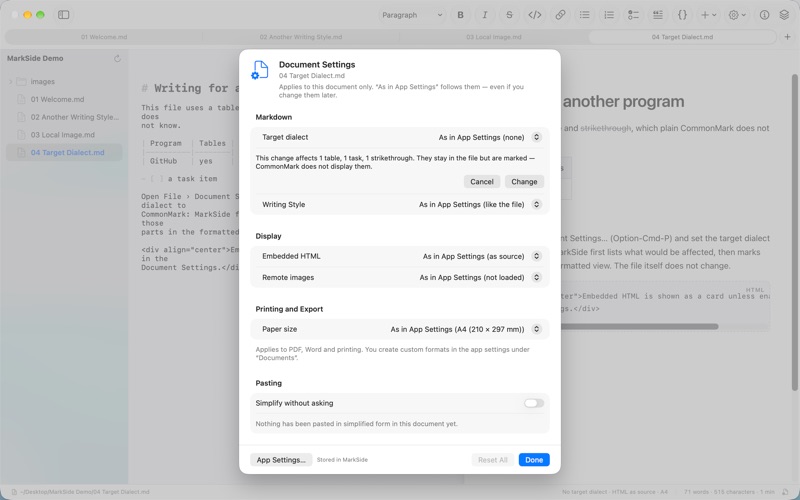
KNOW WHERE YOUR TEXT WILL WORK MarkSide shows which Markdown extensions a document uses and which dialects can read it without loss: CommonMark, GitHub Flavored Markdown, Pandoc, MultiMarkdown and others. Choose a target dialect and MarkSide marks what would not display there. Your file is not changed.
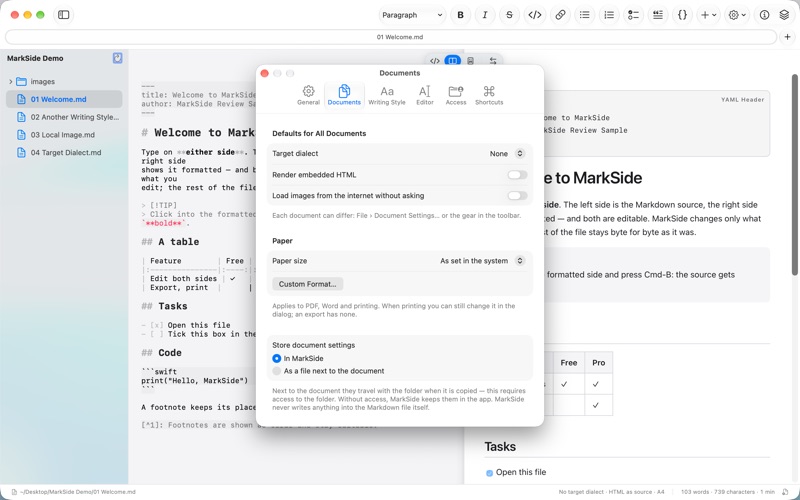
SETTINGS FOR THE APP AND FOR EACH DOCUMENT App settings are your defaults; each document can differ, with its own target dialect, paper size and more. Document settings are stored in MarkSide or, if you like, next to the document. MarkSide never writes them into your Markdown file.
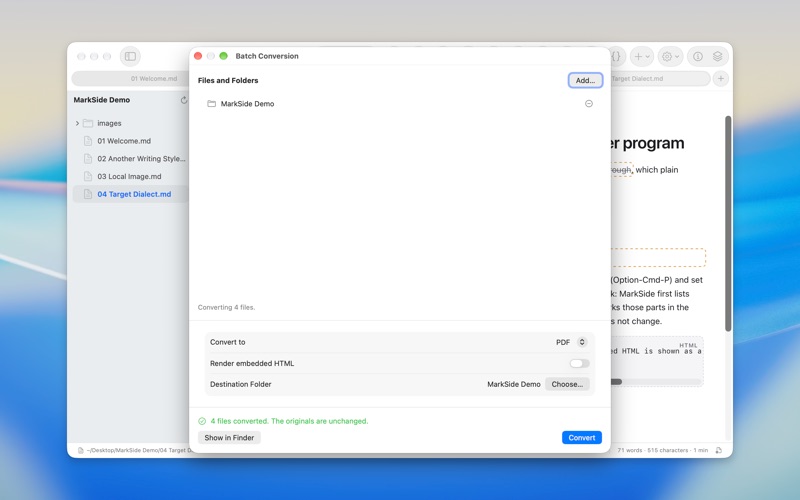
MARKSIDE PRO, A ONE-TIME PURCHASE • Export to PDF, web page (HTML), Word (DOCX) and RTF; Word files get real styles for headings, lists, tables and footnotes • Printing, with DIN and US paper sizes or your own • Batch conversion of whole folders, with a clear list of what would be simplified • Sidebar with the files next to your document • Your own keyboard shortcuts for every command No subscription.
PRIVATE BY DESIGN No account, no sign-in, no server, no tracking. Your documents stay on your Mac.
In 15 languages.
People rate it
Sign in to rate this app. Honest is what counts.
No ratings yet. Tried it? Be the first to rate it.