
SimpleDocScan
Not claimedSimpleDocScan makes it easy to scan documents with your iPhone and turn them into PDF…
By parneet kaur · Productivity


In short
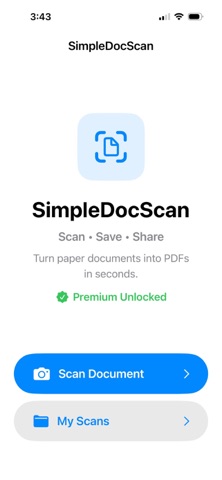
SimpleDocScan is a productivity app that uses the iPhone camera to scan single or multi-page documents and save them as PDF files. Users can rotate, reorder, retake, or delete pages, then search, organize, and share their scans. Scanned files are stored on the device, and a watermark removal option is available as a one-time purchase.
Summary by Debuts, based on the App Store listing.About
SimpleDocScan makes it easy to scan documents with your iPhone and turn them into PDF files. Use your camera to scan one or multiple pages, review your document, and make changes before saving. Features include: • Scan single or multi-page documents • Add more pages to an existing scan • Retake or replace pages • Rotate and reorder pages • Delete unwanted pages • Create and save PDF documents • Search and organize saved scans • Rename and delete saved documents • Share PDFs directly from the app • Upgrade to SimpleDocScan Premium to remove the SimpleDocScan watermark from newly created PDFs SimpleDocScan Premium is available as a one-time in-app purchase. No subscription is required. Your scanned documents are stored on your device, giving you a simple way to manage everyday documents, receipts, notes and paperwork.
People rate it
Sign in to rate this app. Honest is what counts.
No ratings yet. Tried it? Be the first to rate it.
More Productivity apps
Best new Productivity apps this week ChickMark: Habit TrackerChickMark is a simple habit tracker for routines, goals, and reminders
 Dayflint: One Thing a DayToo many priorities?
- BeginAnywayMorning alarm for hard tasks: set one task, prove you started, build a streak
 DHUDEDHUDE Analityxs es la herramienta de gestión diaria para grupos de restauración y ocio…
 Intent - Scroll by ChoiceTake back control of your screen time
 Whisperly DictationWhisperly turns your voice into clean text