
PixJey
Not claimedpen the category first, then capture — and never sort anything afterwards
By Jennifer Monique Kurfner · Photo and videoWhy we expect it: Clear value, a well-organized feature list, and a careful privacy-first description make this a promising documentation app.




In short
PixJey is a local documentation app for recording and finding photos, videos, PDFs and notes by category, such as site progress, receipts or meter readings. Captures go straight into the open category, and Face ID or Touch ID can lock sensitive ones. Data stays on the device by default, and iCloud Sync is optional and off unless enabled.
Summary by Debuts, based on the App Store listing.About
pen the category first, then capture — and never sort anything afterwards.
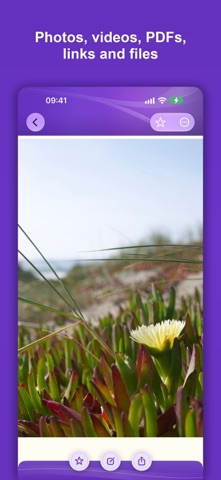
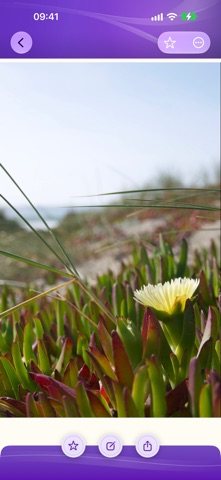
PixJey is a documentation app for everything you want to record and find again: site progress, damage reports, receipts, meter readings, your collection. You open the right category and shoot. The photo is already where it belongs. No sorting afterwards, no digging through an overflowing camera roll.
FEATURES
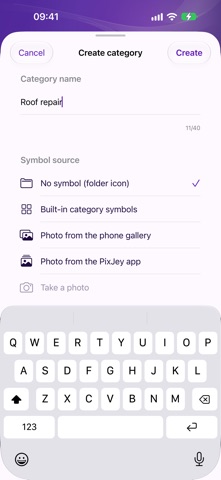
• Categories and subcategories, freely named, with their own symbol or cover image • Capture straight into the open category — photo and video • Import from Photos, Files and via “Share to PixJey”: images, videos, PDFs, links, any file • Live Photos, cropping, notes and marks • Geotagging (optional) with a map view of the capture location • Lock categories with Face ID / Touch ID • Recycle bin: deleted items can be restored • Backup and export into a folder you choose — open, machine-readable format • Four themes, no registration
YOUR DATA
PixJey is a local app. There is no user account and no server operated by us. Your photos, videos, PDFs, categories and notes are by default stored only on your device — we do not see them and cannot see them.
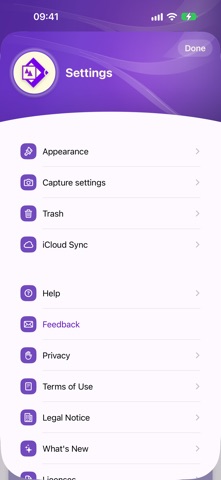
If you want it, you can switch on iCloud Sync in the settings. PixJey then keeps your content in sync across your own devices, storing it in the private database of your own iCloud account. Even then no PixJey account is created, and even then we never receive your data. The switch ships turned off; nothing is synced unless you enable it. For technical reasons, videos larger than 100 MB stay on the device they were captured on.
Advertising is only loaded after your consent; you can change your choice at any time in the settings.
The legal notice, terms of use, privacy policy and licenses are available in full inside the app. ```
People rate it
Sign in to rate this app. Honest is what counts.
No ratings yet. Tried it? Be the first to rate it.
More Photo and video apps
Best new Photo and video apps this week Zoetrope ViewerWatch your zoetrope records and slipmats animate through your camera, or live on your…
 PlanIt Earth: VR Photo PlannerFor landscape, travel, nature, cityscape, night, time-lapse, star-trail, Milky Way and…
 TonalierYour photos now have an editor
 Superblur: Mosaic & Blur FacesSuperblur hides faces, number plates, names and addresses in your photos and videos…
 SqizziKeep the memories
 Photo Widget: Crop & PositionShow your favorite photos on your Home Screen — exactly the way you want